Responsible gambling, one route at a time
Close the ordinary routes back to online gambling
A steady guide for adults who want online casinos to be harder to reach from their own devices, and who want to understand why one blocker is rarely enough. Each guide compares what a barrier covers, what it misses and what to pair it with.


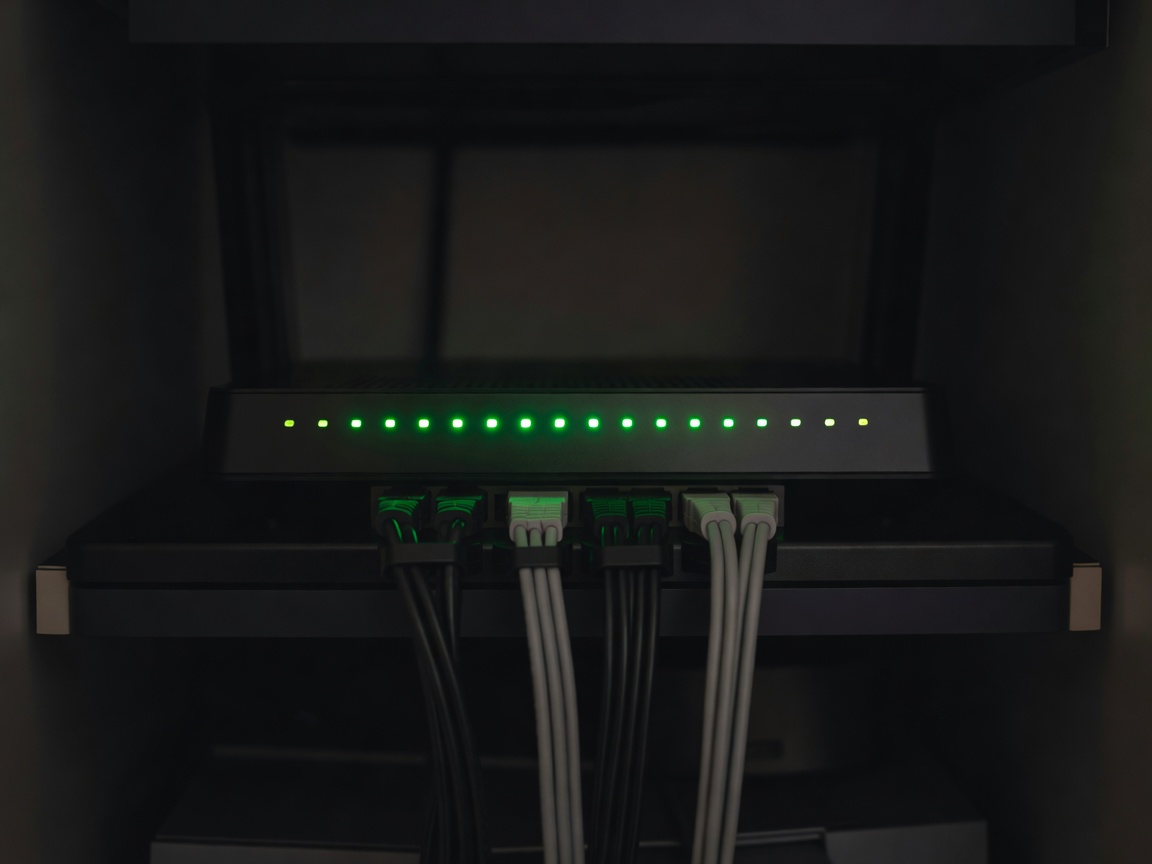
Access has more than one route
Online casinos are reached by a few ordinary routes. There is the web browser on a laptop or phone, any app installed on a device, the home network that carries both, and the card or bank account that pays for play. A barrier on one route says nothing about the others, which is why a single browser extension can leave a phone, a tablet or a bank card entirely untouched.
This site explains blocking as layers. Each layer has a job, a reach and a blind spot, and the four guides describe all three without alarm. A blocker does not stop gambling by itself. It adds friction at the moments when a decision is hardest, and that pause is most useful when it sits alongside support from other people.
Follow the route, then choose the barrier
Read the diagram from the device outward. The first layers sit closest to the screen; the last act on the account and the money.
- BrowserRules inside one browser: extensions, site lists, profile settings.
- Operating systemContent restrictions and supervised accounts on one device.
- NetworkDNS filtering or router controls on the home connection.
- Account and paymentSelf-exclusion registers and card controls.
Six checks, in order
- List every device that can get online at home, including old tablets and consoles.
- Set a content restriction in the operating system of each one, where one exists.
- Add a browser-level block in each browser that is actually used.
- Filter at the router or DNS service so the whole home network is covered.
- Register for self-exclusion and set a card control, which act on accounts and payments.
- Tell one trusted person which layers are in place and who holds the passcodes.
What each barrier covers
| Barrier | Covers | Typical gap |
|---|---|---|
| Browser extension or setting | Sites opened in that browser and profile | Other browsers, apps and devices |
| Screen Time, Family Link, Family Safety | Browsers and many apps on one device | Other devices; whoever holds the passcode |
| Hosts file | Domain names listed on one computer | Names not on the list |
| Router or DNS filtering | Every device on that home network | Mobile data and other networks |
| GAMSTOP self-exclusion | Licensed online operators in Great Britain | Unlicensed sites; land-based venues |
| Card controls | Card payments to gambling merchants | Other ways of moving money |
Four controls with different jobs
Browser limits
Extensions and settings inside Chrome, Edge, Firefox and Safari stop listed sites from loading. They are quick to set up and blind to every other browser and app. Read about browser limits.
System controls
Screen Time, Google Family Link, Microsoft Family Safety and the hosts file work below the browser, so one rule can cover several browsers and apps on a device. They stay on that device. Read about system controls.
Network filters
DNS filtering and router controls from broadband providers cover every device on the home connection. Mobile data and other people's Wi-Fi sit outside them. Read about network filters.
Self-exclusion
GAMSTOP, operator limits and card controls act on accounts and payments instead of screens. They cover what a device-level blocker cannot see. Read about self-exclusion.
Questions when coverage is incomplete
Is one blocker enough?
Rarely. Each blocker covers one route, so a browser rule leaves apps, other browsers and other devices open. Layers placed on the browser, the device, the network and the account support each other.
Does a router filter protect a phone on mobile data?
No. A router filter only applies to devices connected through that router. A phone away from home Wi-Fi needs its own device-level control.
Is self-exclusion the same as a blocker?
No. A blocker stops a device reaching a site. Self-exclusion asks licensed operators to close or refuse accounts, so it works even on a device with no blocker installed.
Who should know the passcodes?
One trusted person, ideally. A control you can switch off alone in seconds is a reminder rather than a barrier.
Read all the coverage questions.
Gambling can cause real harm to money, relationships, sleep and mental health, and asking for help is a sensible step, not a failing. Licensed online gambling in Great Britain is for adults aged 18 and over. GamCare (opens in a new tab) runs the National Gambling Helpline, free and confidential, and BeGambleAware (opens in a new tab) publishes information and tools. This site gives general information only, not personal advice; a doctor or a free debt-advice service can help with the wider picture.